WHITETAIL TACTICAL APP
VISUALIZING THE UNSEEN
Available on
App Store
Available on
Play Store

About The App
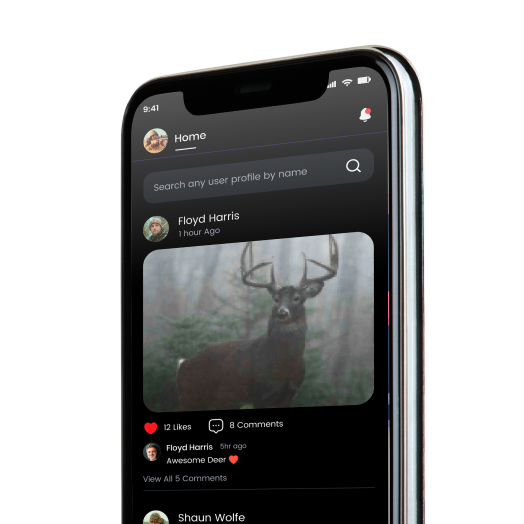
Welcome to Whitetail Tactical. This App was created to show users how ungulates (hooved animals) see daytime colors as compared to humans. This controversy has stirred debates for decades, especially amongst the camouflage industry. Although the reality of how deer see color has been available for years via information gathered by the top scientific minds in the world, its interpretation has been widely varying amongst the public.
To end this controversy, we joined with one of the foremost experts on the subject, Dr. Jay Neitz. This Patented technology can change the way you determine your next purchase or what you choose to wear any given day or at any place. Simply take a picture in or of your gear in your hunting areas using our Deer Vision Camera, as we call it, and see how well it blends with the surrounding environment.
If you see colors blending too much, creating a solid looking color, or colors that just look out of place, you may need to consider a change. Also be aware of any blaze garment you may be wearing. Our testing has shown blaze orange can appear in a variety of colors to deer, some of which are counter-productive for deer (and all other ungulates) hunting or viewing as they can cause you to stand out instead of camouflaging you.
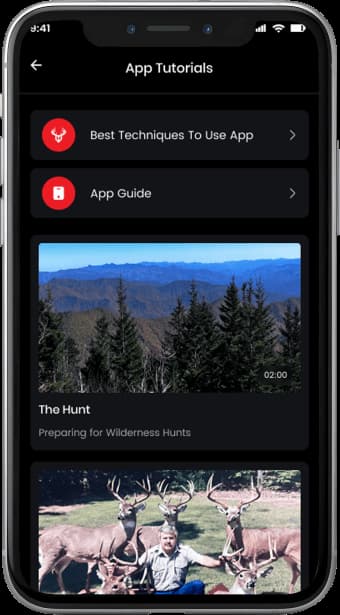
NOTE: Whitetail Tactical has the exclusive rights for the established Patent: Multi Spectral Imaging with Differential Visualizability in Discreet Visualization Domains. Pat No. 8,084,078
OUR TEAM
Jeff Burrell
Jared Burrell
Jay Neitz, Phd - Scientist
My name is Jared Burrell. My life in the outdoors started at a very early age. I started hunting with my dad when I was 4 years old, and I have been hunting ever since. I harvested my 1st turkey and my first small buck at 6 years old. Being raised by an avid outdoorsman and outfitter, my dad granted me a chance to live an amazing life entrenched in the outdoors which now plays one of the biggest roles in my life. Aside from hunting I enjoy fishing, camping, kayaking, and almost anything outside. With hunting being such a strong passion, I`m excited to bring that enthusiasm into this company and begin working to create the highest level of technology for those like me who enjoy the passion of hunting.
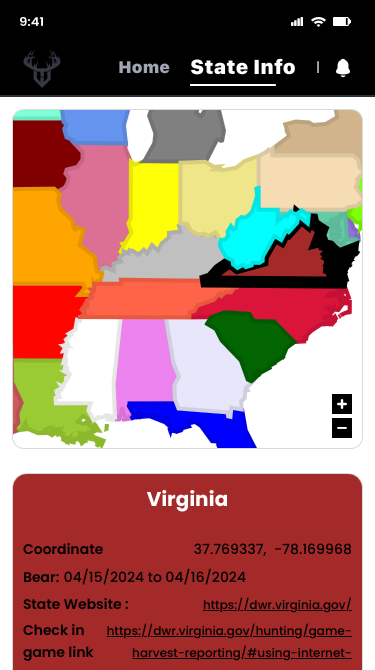
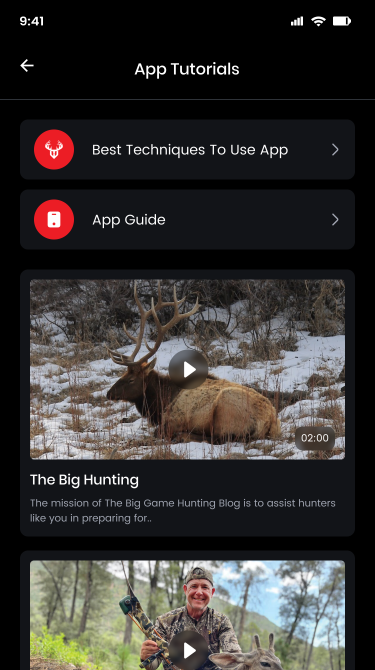
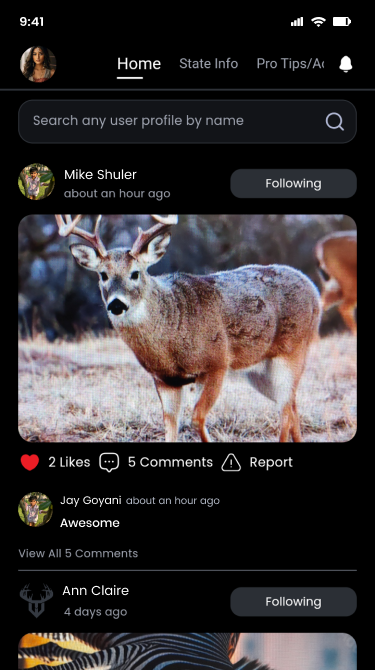
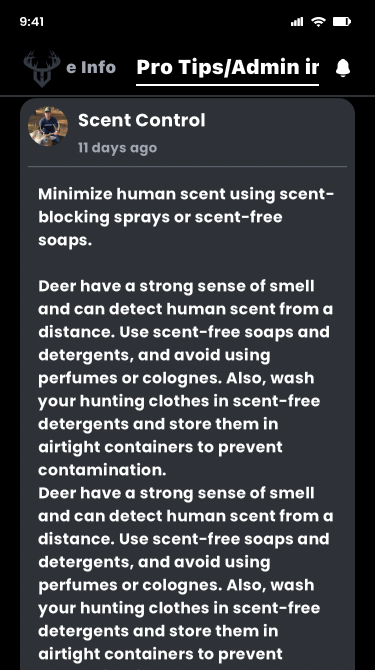
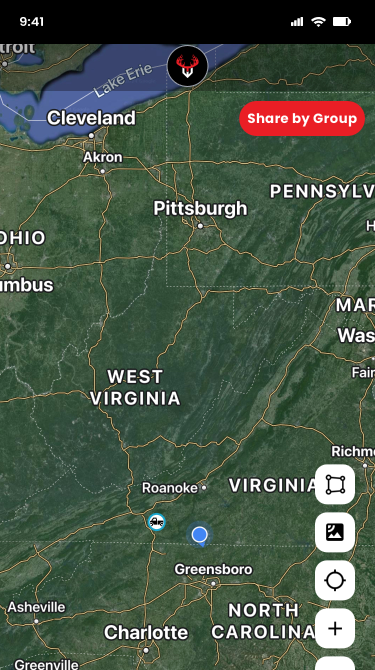
CHECK OUT OUR 'APP'S "FEATURES"


The App Story
It all began in Colorado over two decades ago. While guiding a group of clients, I noticed they were all wearing various colors of blaze orange vests. The guide, as well as the entrepreneur in me, wondered if I could create a type of camouflage orange. After 2 years researching visual aspects of ungulates and looking for some guidance, I met Dr. Jay Neitz, a leading expert in deer vision as well as consultant for the US military in camo.
He informed me that this had been attempted for years, even by himself, but I had a slightly new concept of doing it. I explained my idea. The next day he informed me that my idea would work. There the work began.
It was costly and time consuming, especially for me living on an outfitters wage. I spent the next few years working with many people and experiencing lots of failures.
The biggest hurdle came in showing others. Even though the specialized filter he had made for me did just that, the cost of manufacturing enough for marketing was out of the question. This, along with various other hurdles I encountered, led me to step back for a time and rethink how I could reliably market it.
In early 2023 I was able to move forward with the development of an app, again through the help of Dr. Neitz, leading me where I had been trying to reach for so long. It does exactly what I had been aiming to do for so long. It wasn’t easy by any means, but that is a little bit of my story and a prime example of why you should never quit. Even the most brilliant of minds don’t always find the best solutions.
Pro Staff Member
If you are interested in joining our team, just send us your information and we will take a close look at it. Things we consider.
Dr David Grisar
Savannah Nguyen
Marvin McKinney
Mike Weaver
Mark Boykin
Dr David Grisar
Savannah Nguyen
Marvin McKinney
Mike Weaver
Mark Boykin
Dr David Grisar
Savannah Nguyen
Marvin McKinney
Mike Weaver
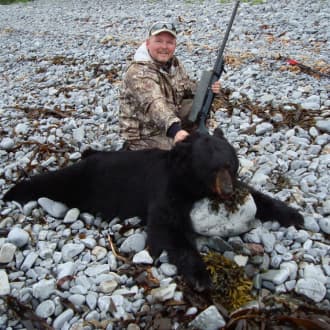
Mark is a PH who has hunted and guided across the globe. From Alaska to Africa. His foremost passion is stalking in the wilds of Africa on a Safari or the following the harmonious sounds of hounds in high pursuit.
He is an international traveler, conservationist and outdoor adventurer who has spent 27 years living and working in different countries supporting his addiction to time in the worlds greatest Wilderness’s.
Dr David Grisar has been hunting, trapping and fishing for 40 years. Over his career he has been blessed to pursue his love of the outdoors in 17 states, 9 countries and 4 continents. He has hunted a dozen species of North American big game animals, 8 species of international big game, waterfowl, upland birds, small game and turkeys. He loves to fish salt water, freshwater and ice fish. He has been a Boy Scout leader, a representative for the State of Wisconsin Conservation Congress, and a member of the NWTF, Safari Club, Whitetails Unlimited, the Wisconsin Bear Hunters Association, Pheasants Forever, Ducks Unlimited, and the NRA. His true passion is archery hunting Whitetail deer with his boys and mentoring young hunters to turkey and deer hunt.
Mark is a PH who has hunted and guided across the globe. From Alaska to Africa. His foremost passion is stalking in the wilds of Africa on a Safari or the following the harmonious sounds of hounds in high pursuit.
He is an international traveler, conservationist and outdoor adventurer who has spent 27 years living and working in different countries supporting his addiction to time in the worlds greatest Wilderness’s.
Dr David Grisar has been hunting, trapping and fishing for 40 years. Over his career he has been blessed to pursue his love of the outdoors in 17 states, 9 countries and 4 continents. He has hunted a dozen species of North American big game animals, 8 species of international big game, waterfowl, upland birds, small game and turkeys. He loves to fish salt water, freshwater and ice fish. He has been a Boy Scout leader, a representative for the State of Wisconsin Conservation Congress, and a member of the NWTF, Safari Club, Whitetails Unlimited, the Wisconsin Bear Hunters Association, Pheasants Forever, Ducks Unlimited, and the NRA. His true passion is archery hunting Whitetail deer with his boys and mentoring young hunters to turkey and deer hunt.
I began bow hunting early in life taking my first Pope + Young buck with a brown bear recurve at an age of 25, in 1978. Shortly afterwards I took up shooting a compound bow later becoming the first bowhunter to take three Pope + Young bucks in one week in 1991. In 1992 I became the first bowhunter to take five Pope + Young bucks in a single season. I also held the record for the most P&Y whitetail in the record books for many years at 60 when I quit recording them. I have been an outdoor writing contributor regarding “hunting whitetail deer” for a few magazines and newspapers including Whitetail Times, rub lines, Va game and fish, and North American Whitetail. I’ve given seminars all over the United States from Vermont to Dallas – Fort Worth, as well as serving on many Pro-Staffs including Hoyt, Scent Shield, Realtree, Rocky Mountain BroadHeads, Whitewater Outdoors, Centipede Ladders, Climax True Stands and Ratchet cut. I still enjoy contributing and sharing my skills to others who enjoy the same passion as I had for so many years.